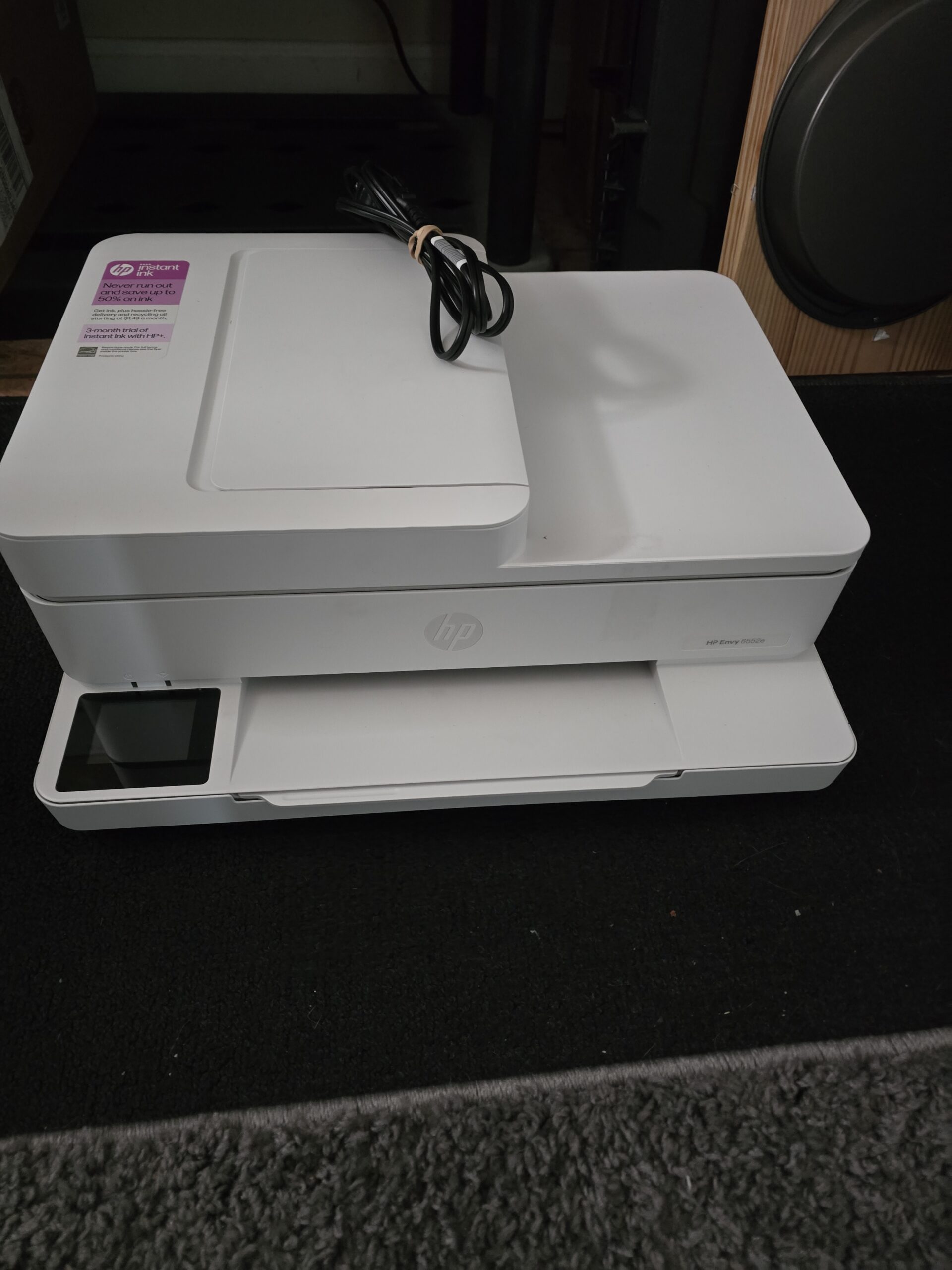
 HP computers are OK, but HP printers are not OK. HP is one of the most recognized printer brands in the world — but over the past few years I have been seeing more problems with HP printers and customers have been reporting growing problems that go beyond occasional paper jams or low ink warnings. From controversial firmware updates that allegedly brick printers to lawsuits over ink cartridge restrictions, HP printers have become the subject of significant scrutiny. Here’s a breakdown of what’s happening and why many HP owners are frustrated. I walked out of an on-site service call today due to a printer than would not work and had no solution. It was disabled due to the ink program problem.
1. Firmware Updates That Break Printers
One of the biggest sources of frustration has been a series of firmware updates pushed to HP printers that have caused devices to malfunction or stop recognizing cartridges entirely. In March 2025, HP released firmware version 20250209 for several LaserJet models (like the M232–M237 series). Users began reporting printers displaying Error Code 11 and refusing to print — even with genuine HP toner installed. HP acknowledged the issue and said it was working on a solution, but many owners were left without a functioning printer.
This isn’t an isolated incident — similar updates in past years have also been blamed for bricking printers. Such updates often install automatically, leaving users with little control over when or if they accept them.
2. Lawsuits Over Ink Cartridge Restrictions
A major root of the problems lies in what HP calls Dynamic Security — a firmware-level system that can prevent printers from working with non-HP ink or toner cartridges.
Because third-party ink is usually much cheaper than HP’s own cartridges, many consumers have used compatible cartridges to save money. But HP’s dynamic security system can suddenly block those cartridges from working — sometimes without clear warning.
Class Action
This practice has led to multiple legal challenges:
In January 2024, plaintiffs filed a class-action lawsuit alleging HP used firmware updates to force customers into buying only HP cartridges, effectively creating a monopoly and raising prices unfairly.
In late 2024 and early 2025, a separate class-action settlement was approved that didn’t award monetary damages but required HP to give users the option to decline firmware updates that include dynamic security features.
An ongoing antitrust case in Illinois is still challenging the practice and seeking stronger legal remedies.
ESA Blog
3. Instant Ink Subscription Complaints
Another area of controversy is HP’s Instant Ink program — a subscription service that automatically sends replacement cartridges when your printer reports low ink levels.
While the service sounds convenient in theory, many subscribers have complained that it fails to deliver ink on time, leaves them with printing errors, or even disables ink cartridges if the subscription is canceled.
Class Action
Even outside of lawsuits, online forums are full of stories from users who were suddenly unable to print after canceling Instant Ink or whose printer refused to recognize cartridges purchased separately.
4. Printers Going Offline Connectivity Issues
In addition to firmware and subscription problems, some users report HP printers becoming unusable when offline or disconnected from HP’s cloud servers. In certain cases, a loss of connectivity caused printers to lock up or refuse print jobs until they reconnected — a frustrating issue for small businesses or home users relying on dependable printing.
Reddit
HP’s increasing reliance on internet-connected features — like cloud services and mobile apps — means that losing a connection can sometimes render a printer just a paperweight until the link is restored.
So What’s Going On?
All of these issues stem from a few bigger trends:
More aggressive firmware control: HP’s updates are designed to protect security and HP’s business model, but many users see them as overly intrusive and harmful when they change printer behavior unexpectedly.
Subscription services becoming the norm: Like many tech companies, HP is pushing subscription models (Instant Ink) to generate recurring revenue — but execution has left many customers dissatisfied.
Legal pushback from consumers: As these practices have spread, legal action has followed — and while some settlements have forced clearer disclosures and options to decline updates, HP mostly hasn’t admitted wrongdoing or paid significant damages.
️Tips for HP Printer Owners (and Potential Buyers)
Don’t Buy HP Printers!
Final Thought
HP remains a major player in the printer market, but recent trends have made many customers wary. With class-action lawsuits, problematic firmware updates, and subscription controversies, HP’s printer business faces a serious public perception challenge. I think the only way answer to this right now is to NOT use HP Printers — no matter what.
 Upgrading to Windows 11 is an exciting opportunity to experience the latest features and improvements from Microsoft. Microsoft will stop supporting Windows 10 on October 14, 2025.. Follow this comprehensive guide to upgrade your PC safely and successfully, complete with illustrations for each step.
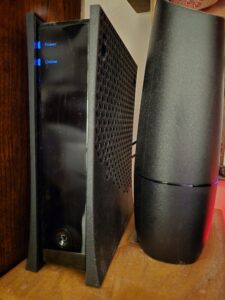 In today’s wireless world, it’s easy to overlook the advantages of a good old-fashioned wired Ethernet connection. While Wi-Fi is convenient, there are many situations where Ethernet reigns supreme. I know at my home I have 1000MPBS internet service through Spectrum. On the devices that I connect to wi-fi (laptop, phone, alarm, cameras, smart lights, etc.) I get an average speed of about 400 MBPS down. On my wired ethernet connect that number is about 950 MPBS. So . . .whether you’re working from home, gaming, streaming, or simply looking for the most reliable internet connection, Ethernet offers distinct benefits that can enhance your digital experience.
 In recent years, registry cleaners like CCleaner have gained popularity among users looking to “optimize” their PC’s performance. In my computer repair practice in Louisville, KY I see quite a few people every year with CCleaner and other registry cleaners on their computers. Some are even built into antivirus software such as Norton, McAfee, Kaspersky, etc. These tools promise to clean up your system’s registry by removing outdated or unnecessary entries, supposedly improving speed and efficiency. However, these claims are often exaggerated, and in many cases, using registry cleaners can cause more harm than good.
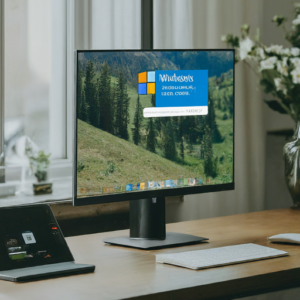 Windows S-Mode is a streamlined version of Windows designed to enhance security and performance. However, it comes with limitations that might not be suitable for everyone. The main problem I see at my computer repair company in Louisville is that S-Mode blocks you from downloading any apps that are not Microsoft owned. Even Google Chrome! How absurd. Nevertheless, in this blog post, I’ll explain what Windows S-Mode is, its benefits and drawbacks, and how you can switch out of it.
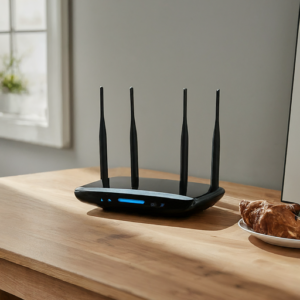 In the ever-evolving landscape of home and office networking, choosing the right Wi-Fi solution can be a daunting task. With the rise of mesh networks, the traditional router no longer stands as the sole option for providing wireless connectivity. But how do you decide which is the right fit for your needs? In this article, we’ll dive into the differences between mesh networks and traditional routers, helping you make an informed decision.
 In today’s digital age, protecting your personal information online is more important than ever. At On-Site Louisville Computer Repair Co., we understand the unique challenges you face when navigating the internet. Our goal is to empower you with the knowledge and tools needed to stay safe online. Here are some essential tips to protect your personal information.
 Purchasing a new laptop is a significant investment, and with the plethora of options available today, it can be overwhelming to make the right choice. At On-Site Louisville Computer Repair Co., we understand the nuances involved in choosing the perfect laptop that meets your needs. Here’s a detailed guide to help you navigate the essential factors to consider when buying a new laptop.