
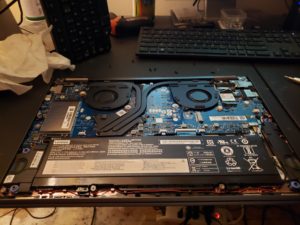
 If your laptop or desktop suddenly won’t turn on, shows no lights or fans, or died after running hot, you might be dealing with a failed motherboard. We can run real diagnostics to find the actual cause and give you honest options. Whether it’s a laptop or desktop, we’ve been repairing or replacing motherboards (or daughterboards) for locals for years.
Computer motherboard failure is fairly common with both laptops and desktops. I see it every week. Often times the first symptom is that the computer will not come on at all — no lights or fans or anything. But sometimes a laptop or desktop comptuer will come on and it can still have a motherboard issue. Laptop motherboards fail slighly more often than desktop computer boards. Having said that more people own laptops so that might be the actual reason (about 68% of people own a laptop vs. 37% a desktop and about 5% an All-In-One). Furthermore, laptops run hotter because of case size and also due to mobility they are subject to more abuse. Finally, If the airflow requirements of the motherboard are compromised for any reason — animal hair, age, blocked fan basins, dusty fan basins, bad design, etc. — you could have a thermal-related motherboard issue occur. In other words, your board can be damaged by heat. Sometimes motherboard failure can occur during normal use. And, it can occasionally happen on a young, well cared for computer.
Most of the time it makes more sense to replace the motherboard with a new one rather than repair the old board. We can repair a motherboard, but the repair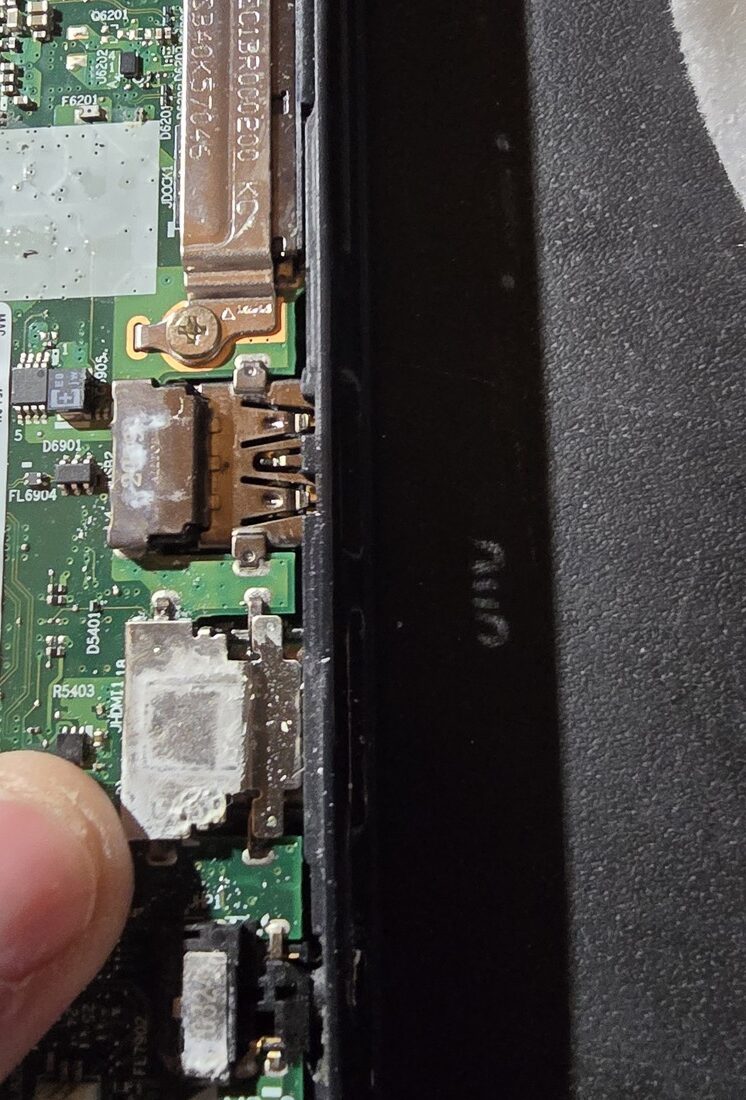 itself can cause damage so it’s often best to replace it with a brand new one. You can see the repairs online watching YouTube videos from Louis Rossmann or NorthridgeFix — which are both awesome! But, by the time you pay the price for the specialized service of board-level repair it’s the same price or near the same price as a brand new board and then you have a repaired board rather than a new one! And, since it’s often a pricy repair often it’s best to simply buy a new computer. Call me and just ask if you want an honest answer — I’ll tell you the truth about what I would do if I was you in your exact circumstance.
At On-Site Louisville Computer Repair Company, we take the time to properly diagnose the root cause of motherboard failure if possible or if not at least trying to figure out what might have happened. Whether the issue is heat damage, power-related failure, short, MOSFET failure, component breakdown, we will give you a clear, honest assessment and help you choose the most cost-effective option. Our goal is to get your system back up and running as quickly as possible while ensuring long-term reliability and performance. Or to help you decide not to do that in some circumstances.
Signs You Might Have a Motherboard Issue.
The machine powers on but no live screen:
This is one of the symptoms of a motherboard problem. The video output section on your motherboard is what takes care of the screen display. In some makes and models especially these are known to fail. If you can see the light on your machine and hear the fans moving but have nothing displayed on the screen this might be an issue with your motherboard.
The computer turns on and then powers itself off shortly thereafter:
This is exactly what happens when there is a short circuit in the motherboard or a heat related motherboard issue. When your laptop or desktop computer detects the problem or can’t function correctly it shuts down automatically. This can be caused by capacitors or other board level damage.
The computer shuts off when stressed:
It is a sure symptom of heat issues or motherboard issues. This happens when the voice card, graphic card and other components attached to your motherboard have been affected by heat. It may also happen when you play games which need additional graphic card support. It might be a compatibility issue with your graphics card — but can also be burnt circuits or other issues with your motherboard.
The computer is totally dead and won’t power on whatsoever:
Sometimes the power supplied to the motherboard is not being distributed and this may prevent the computer from starting up. Sometimes this is an easy fix; however, a “dead computer” (no lights, no fans, no noise) is a symptom of motherboard failure.
The machine powers on but you hear beeps or see lights flashing on the keyboard:
A series of beeps or flashing lights on your tower or keyboard is your computer trying to communicate a hardware-level problem. These are known as “POST codes” (Power-On Self-Test), and they often point directly to a motherboard-related issue or a component connected to it. Different patterns of beeps or light sequences can indicate problems with RAM, CPU, GPU, or the motherboard itself. In many cases, however, the motherboard is the common link tying all of these components together.
If you’re hearing repeated or unusual beep patterns, or seeing blinking lights that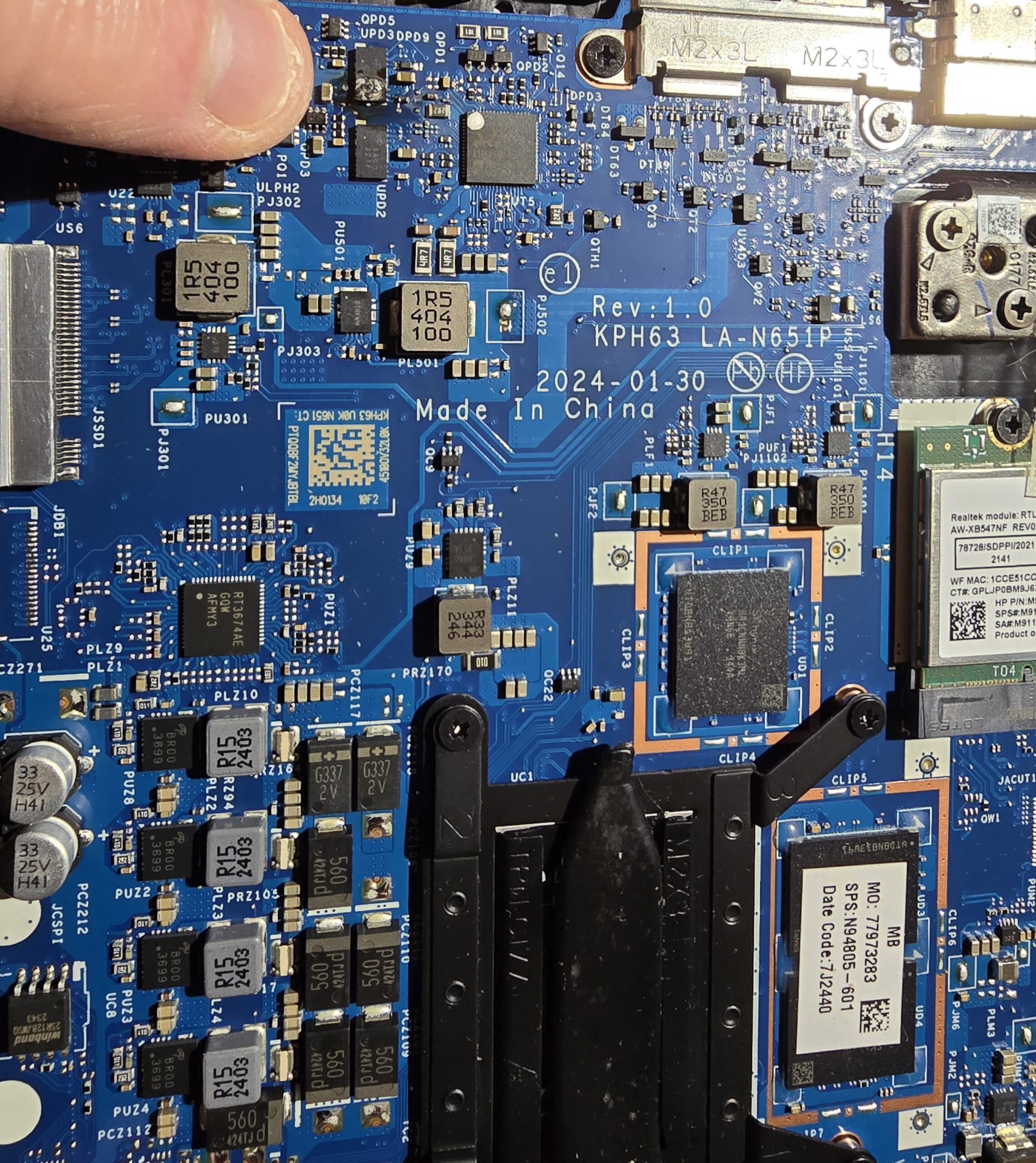 don’t follow a normal startup sequence, it usually means the system is failing before it can even load the operating system. This is not a software issue — it’s a hardware problem that requires proper diagnosis. While sometimes it can be something simple like improperly seated RAM, other times it can indicate a failing motherboard, damaged circuits, or power delivery issues.
Either way, this is a clear sign that your computer needs professional attention. Proper testing is required to isolate the exact cause and determine whether the motherboard can be repaired, a component can be replaced, or if a full board replacement is the best option.
For more information click here: Computer Motherboard Replacement Louisville, KY.
If you’re dealing with a computer that won’t turn on, keeps shutting down, or is acting unpredictably, don’t guess — get a professional diagnosis. Motherboard issues can be tricky, and replacing the wrong part can cost you time and money. At On-Site Louisville Computer Repair Co., we provide honest answers, fast service, and real solutions based on decades of experience. Whether it makes sense to repair, replace, or move on to a new system, we’ll guide you in the right direction so you can make the best decision with confidence. Give us a call today and get your computer back on track.